



Wallpapers
Backgrounds
Pictures
Free SVG
Free PNG
Coloring Pages

Backgrounds | Free 4K, HD & Mobile Backgrounds

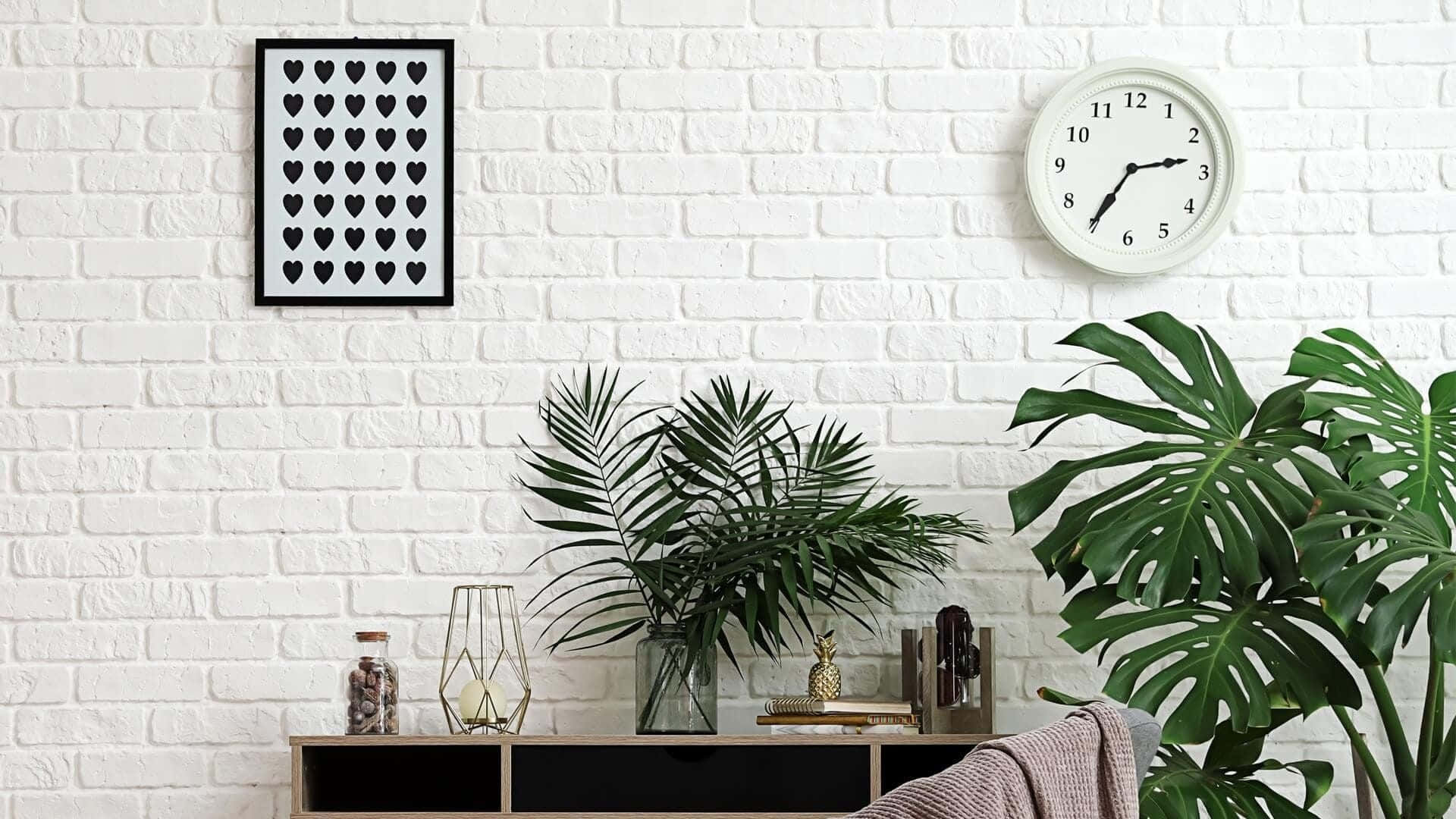
Free backgrounds for Zoom, Microsoft Teams, Google Meet, presentations, video calls and design projects. Every background is high-resolution, professionally curated, and optimized to look sharp on any video conferencing platform or display. Start with the backgrounds archive.

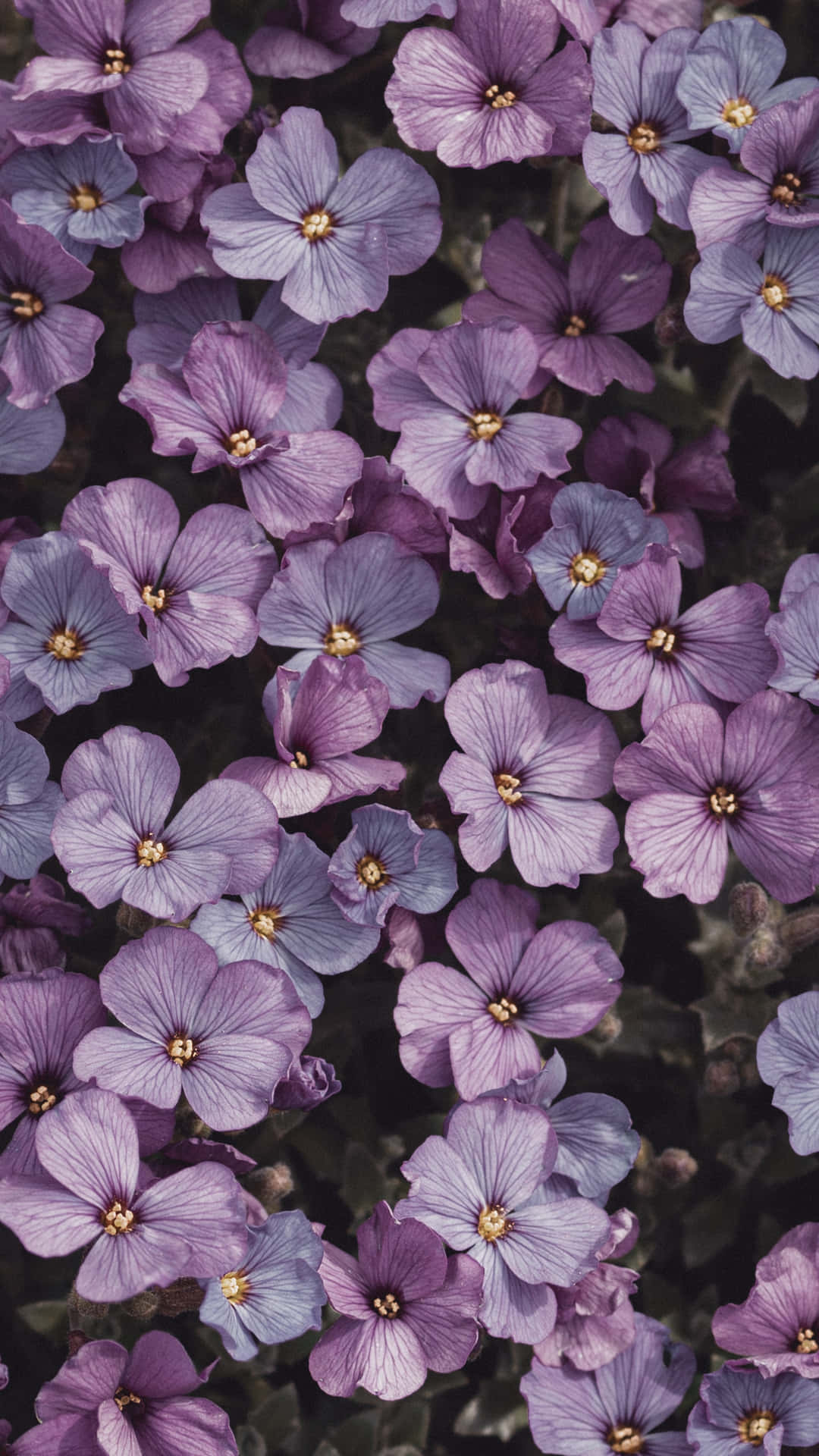
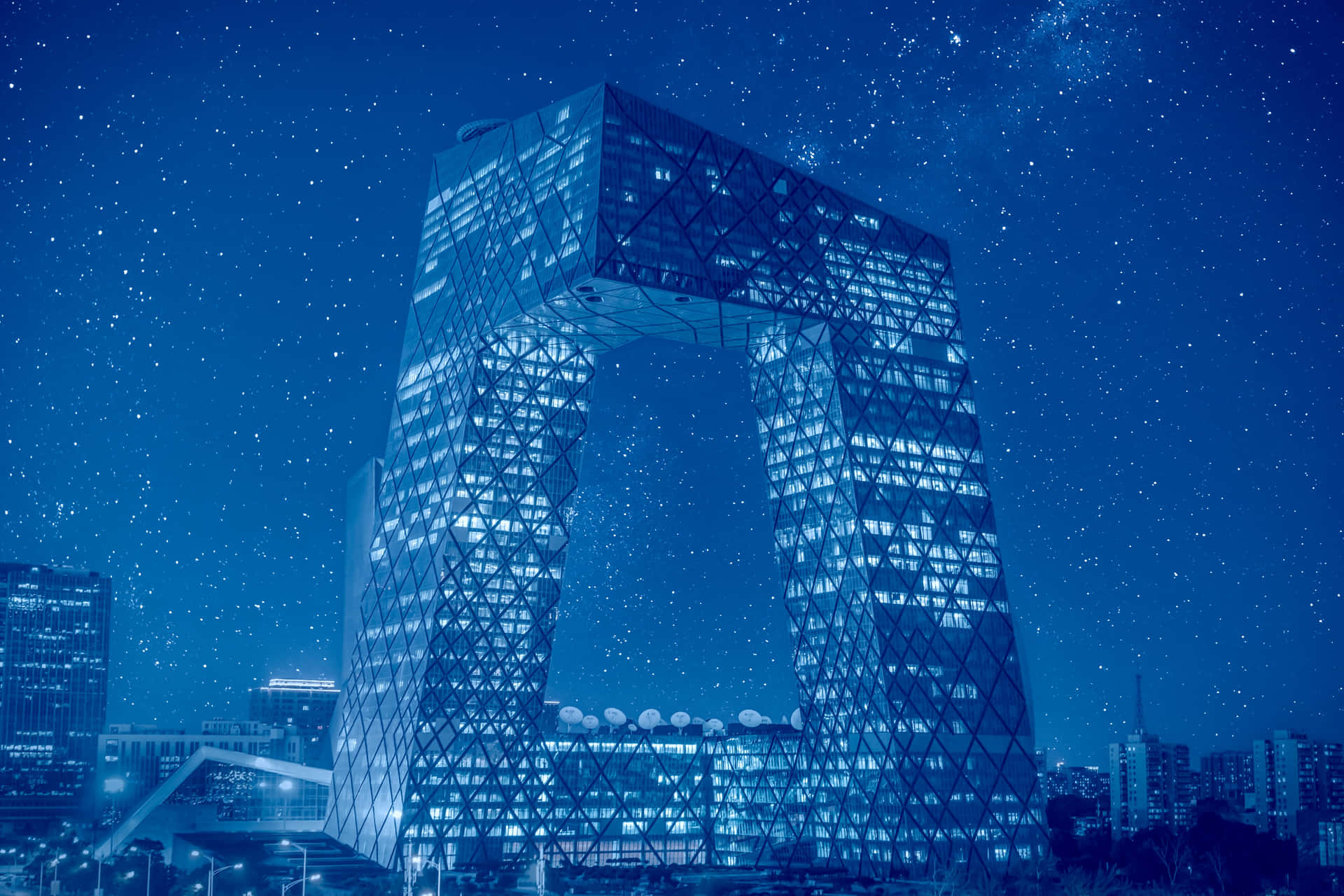
Browse by use case (virtual meetings, weddings, birthdays, presentations), by style (aesthetic, minimalist, cartoon, watercolor, abstract), or by subject (nature, ocean, sky, city, space) and download in one click — no sign-up, no watermark.

Need to add your own background? Use our Background Remover above to strip the original from any image, or our Image Resizer to fit it perfectly to your meeting platform.

Trending Backgrounds Right Now

View all Backgrounds A→Z ›

Backgrounds by Style

Backgrounds by Use Case

Backgrounds by Subject

Backgrounds by Color

AI Tool AI Background Remover | Strip the background from any image in one click. Perfect for Zoom, Teams, prese

AI Background Remover

Strip the background from any image in one click. Perfect for Zoom, Teams, presentations, and design overlays.

Photorealistic Studio Nature Abstract Blurred

Tools for Backgrounds

Browse all tools ›
Your wall, generated.
Make yours

Frequently Asked Questions about Backgrounds

How do I download wallpapers from Wallpapers.com?

Click any wallpaper, pick the size you want (HD / Full HD / 4K / 5K / 8K), and the file downloads to your device immediately. No account or app required for HD and Full HD.

What languages does Wallpapers.com support?

12 languages: English, Danish, German, Swedish, Portuguese, Italian, Spanish, Dutch, French, Indonesian, Norwegian, Finnish. Switch from the footer.

Do I need an account to download wallpapers?

No. Every wallpaper on Wallpapers.com is free to download in HD and Full HD without an account. An account unlocks 4K/5K/8K, removes ads, and syncs your favorites across devices.

How do I report a bug or issue?

Email <a href='mailto:support@wallpapers.com'>support@wallpapers.com</a> with the URL, your browser, and a screenshot. We aim to reply within 24 hours.

What gets a submission rejected?

Anything we can't verify rights to, anything below 1920×1080, anything explicit/violent/hateful, or exact-duplicates of existing wallpapers. Most rejections are resolution-related.

📸 Become a Wallpapers.com Creator

Share your photography or AI art with millions of visitors. Get featured, build your portfolio, and earn Premium credits.

  • Free creator profile + custom URL
  • Boosted exposure on relevant keyword pages
  • Earn credits on every download
Start Contributing →

⭐ Premium — Unlock Everything

Skip every limit. Get the largest sizes, faster downloads, AI tools, and an ad-free experience.

  • 8K wallpapers + bulk download
  • Ad-free across the entire site
  • All AI editing tools unlocked
  • 7-day free trial — cancel anytime
Try Free for 7 Days →

About background images — wallpapers, patterns, and the difference

"Background" and "wallpaper" are used interchangeably in casual speech but they mean slightly different things in design. A wallpaper is the full-screen image you see when nothing else is open; a background is the image that sits behind some other content — a presentation slide, a Zoom call, a website hero, a portrait shot with the subject in front. Backgrounds are usually designed to recede rather than draw the eye, often with soft focus, lower contrast, or pattern repeats.

Where background images are used

  • Video calls — Zoom, Teams, Google Meet — where the subject is in the foreground and the background fills the rest of the frame.
  • Lock screens — usually a portrait crop of a wallpaper, often slightly blurred behind clock/notification UI.
  • Web design — header banners, hero sections, behind-the-fold blocks where text overlays the image.
  • Print design — invitations, posters, business cards where the design competes with the foreground.

What makes a good background?

A good background has clear focal-points outside the area where the foreground sits — otherwise the subject gets lost. For Zoom backgrounds and lock screens, the rule of thumb is: imagine a 60% portrait-shaped subject in the centre of the frame; if the surrounding 40% is busy or has too much contrast, the image will compete with the speaker.

Free backgrounds — types and tools

Categories worth browsing: solid colours, smooth gradients, geometric patterns, organic textures, soft photographic landscapes. Need to swap or remove a background from one of your own photos? Use Remove Background to cut out the subject, then Replace Background to drop in a new scene, colour, or gradient.





