
Best Wallpapers for Eye Strain & Productivity
Backed by research — color, contrast, and pattern choices that reduce visual fatigue.
Average screen time in 2026 is over 7 hours a day. Your wallpaper isn't the cause of eye strain, but it's the background to every minute. The right choices reduce visual load measurably; the wrong ones add to it.
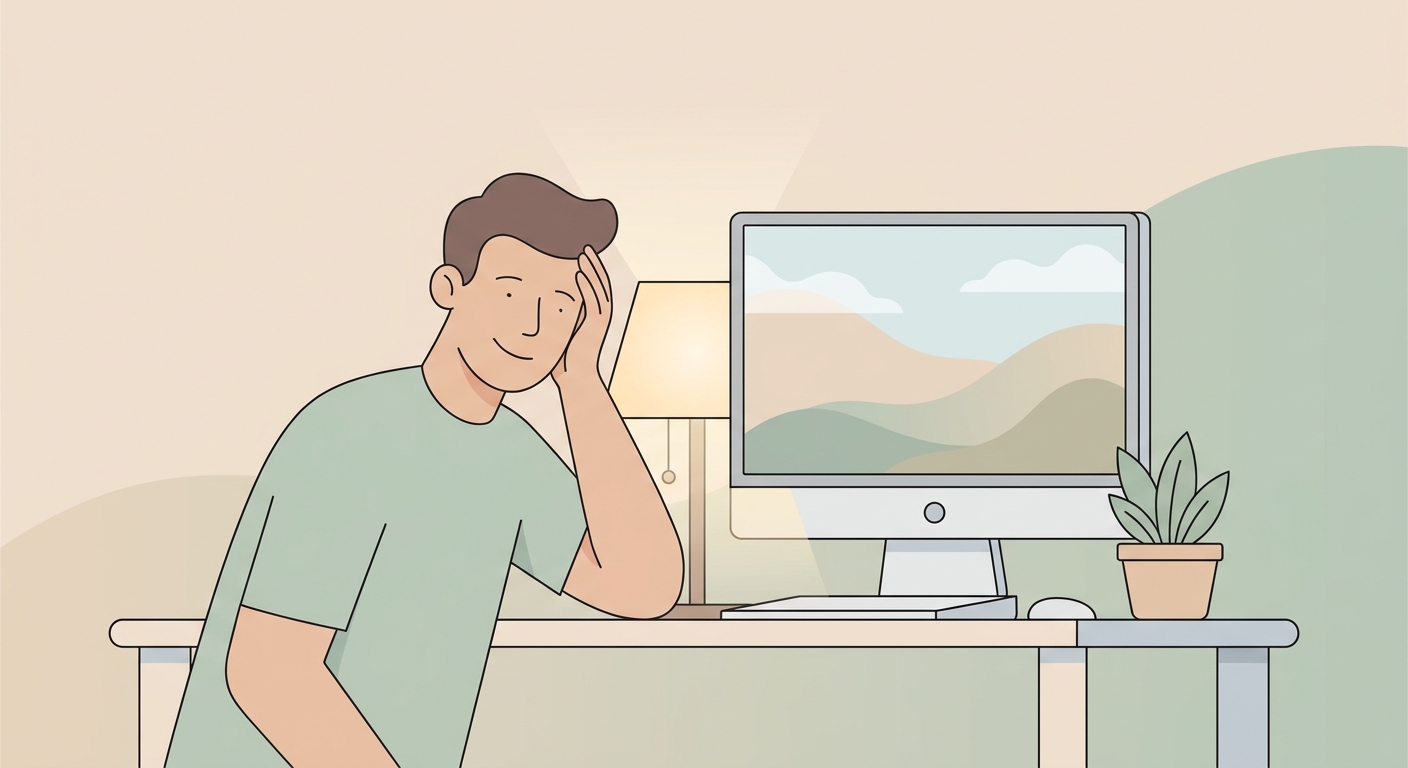
The science in 60 seconds
Eye strain comes from three things: high contrast against UI elements, busy patterns the eye keeps trying to parse, and cool blue-heavy palettes that suppress melatonin in the evening. Reduce all three and you reduce fatigue.
Five evidence-based choices
1. Soft, low-contrast backgrounds
Pure black or pure white wallpapers create maximum contrast with your UI text. Aim for #f3f4f6 / #1f2937 or similar — your eye relaxes when the background isn't fighting the foreground. Browse minimalist wallpapers.
2. Warm color temperatures in the evening
Match your wallpaper warmth to your circadian rhythm — warm browns, beige, terracotta after sunset. The same f.lux logic applied to wallpapers.
3. Single subject, calm composition
Multiple competing subjects = constant micro-saccades = fatigue. One subject, off-centre, with negative space. Aesthetic wallpapers often nail this.
4. Avoid pure-saturation neon
The eye's blue cones tire fastest. Hyper-saturated cyan or magenta wallpapers feel "energetic" for the first 5 minutes and tiring for the next 5 hours. Use the saturation tool in reverse — pull saturation DOWN to test desaturated versions.
5. Macro nature
Studies show even brief glances at natural scenes reset attention and reduce stress markers. Macro shots of moss, water, leaves — your micro-break in the corner of every screen. See our nature collection.
Productivity-specific tips
- Single-monitor setups: pick a wallpaper with empty quadrants where your dock or taskbar sits.
- Code editors visible: avoid wallpapers with similar background colors to your code editor — your peripheral vision should be able to distinguish them at a glance.
- Notification-heavy: dark, subtle wallpapers make notifications pop without competing.
Tool: dark-mode preview
Use our grayscale converter to preview how a wallpaper reads when your UI is in dark mode — the value structure is the truth, color is the icing.
Try our free tools
- Image resizer — pixel-perfect downscale + upscale.
- Convert to WebP — 30-50% smaller files than JPG.
- Background remover — one-click cutout.
- Social-media resizer — every platform's exact dimensions.
- Bulk processing — apply any tool to up to 200 images at once.
Browse the full tool catalog or our other guides.






